
Introduction to IPTV Player
An IPTV player is the software that turns raw internet television streams into a watchable, organized viewing experience on your screen. Instead of receiving channels through a satellite dish or cable line, an IPTV player pulls live channels, movies, and on-demand content over your internet connection and presents them in a clean interface complete with a program guide, channel categories, and playback controls. If you have ever wondered how people watch thousands of channels through a small app on a smart TV, phone, or streaming stick, the answer almost always involves an IPTV player working quietly in the background.
In simple terms, IPTV stands for Internet Protocol Television, and the player is the application that decodes and displays those streams. You can learn more about the underlying technology from this Wikipedia overview of Internet Protocol television. This guide explains how an IPTV player works, the features that matter, how to set one up, which devices are compatible, what pricing looks like, and how to stay safe and legal. Whether you are a beginner setting up your first app or an advanced user fine-tuning performance, you will find practical, neutral information here. For a broader look at applications in this category, the IPTV App complete guide for 2026 is a helpful companion resource.
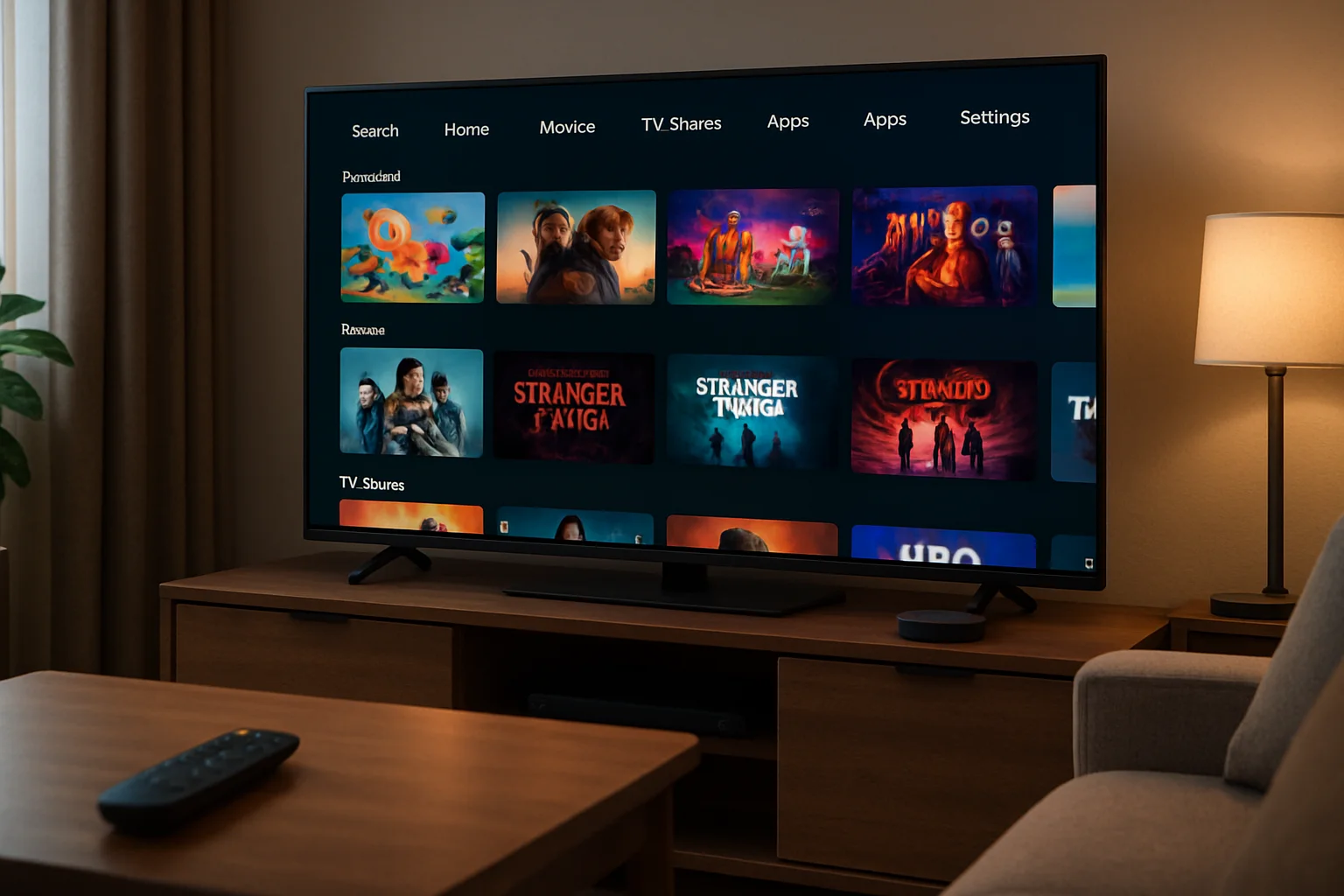
How an IPTV Player Works
To understand an IPTV player, it helps to picture the journey of a single stream. A provider hosts television channels on servers and makes them available as internet streams. These streams are typically delivered through formats such as M3U playlists or Xtream Codes API connections. When you load your subscription details or a playlist URL into the player, the app requests the stream, downloads small chunks of video data, and decodes them in real time so you can watch without waiting for an entire file to download.
This process relies on a technique called adaptive streaming, where the player adjusts video quality based on your available bandwidth. If your connection slows down, the player can switch to a lower resolution to avoid constant buffering. When your speed recovers, it returns to a higher quality. Most modern players support common protocols and codecs, including HLS (HTTP Live Streaming) and MPEG-TS, which keeps playback smooth across a wide range of networks. You can read a clear technical primer on HTTP Live Streaming on Wikipedia if you want to dig deeper.
The IPTV player also handles the electronic program guide (EPG), which displays what is currently airing and what is coming up next. The EPG is usually delivered as a separate XML file and matched to your channel list. A good player merges the channel data and the EPG so you get a familiar TV-guide layout. On top of that, the player manages features like favorites, search, parental controls, and recording, all of which we will explore below.
The Role of Your Internet Connection
Because everything travels over the internet, the quality of your connection is central to a smooth experience. A stable broadband connection of at least 15 to 25 Mbps is comfortable for high-definition viewing, while 4K Ultra HD streams benefit from 50 Mbps or more. Wired Ethernet connections tend to be more reliable than Wi-Fi for set-top boxes and smart TVs. If you experience interruptions, our IPTV buffering fix guide for LG TVs walks through practical troubleshooting steps that apply to many devices.
Key Features and Benefits of an IPTV Player
Not all players are created equal. Some are bare-bones tools that simply play a playlist, while others are full-featured media centers. Understanding the most valuable features helps you choose the right one for your needs and avoid frustration later.
- Electronic Program Guide (EPG): A clear, accurate guide makes navigating live channels effortless. Look for players that load EPG data quickly and keep it synchronized.
- Favorites and Categories: The ability to organize channels into groups and mark favorites saves time when you have thousands of options.
- Adaptive Quality: Automatic resolution switching reduces buffering and adapts to changing network conditions.
- Multi-Format Support: Compatibility with M3U, Xtream Codes, and various codecs ensures broad compatibility with different providers.
- Recording and Catch-Up: Some players let you record live streams or revisit content that aired earlier. If this matters to you, the IPTV recording feature guide explains how to record, save, and replay your streams.
- Parental Controls: PIN protection on adult or sensitive content is essential for family households.
- Multi-Screen and Multi-Device Support: Many users watch on more than one device, so support for multiple simultaneous connections is a practical benefit.
The core benefit of using a dedicated IPTV player is flexibility. You are not tied to a single physical box from a cable company. You can watch on the device you already own, switch between rooms, and access a far larger library of channels and on-demand titles than most traditional packages offer. For a wider comparison of services and what to expect, the Best IPTV complete guide for 2026 provides a neutral overview.
Setup and Configuration
Setting up an IPTV player is usually straightforward, even for beginners. While the exact steps vary by app and device, the general process follows the same pattern. Below is a typical walkthrough.
- Choose and install a player: Download a reputable IPTV player from your device's official app store. Sticking to official stores reduces the risk of malicious software.
- Gather your subscription details: From your provider, you will typically receive either an M3U playlist URL or Xtream Codes login credentials (a username, password, and server URL).
- Add your playlist or login: Open the player and locate the option to add a new playlist or account. Enter the URL or credentials exactly as provided.
- Load the EPG (optional): If your provider supplies a separate EPG URL, add it so the program guide populates correctly.
- Wait for the channel list to load: The player will fetch your channels and categories. Large lists may take a minute to load fully.
- Organize and test: Create favorites, set parental controls if needed, and play a few channels to confirm everything works.
If you plan to protect your privacy with a VPN, it is worth configuring it before you start streaming. For users running a home media setup on small hardware, the detailed IPTV VPN setup guide for Raspberry Pi shows how to combine privacy and performance on a low-power device.
Common Setup Mistakes to Avoid
Many setup problems come down to small details. Double-check that you have entered the server URL without typos, that your subscription is active, and that your device's date and time are correct, since incorrect clocks can cause authentication errors. If channels load but do not play, the issue is often network-related rather than a fault in the player itself. Restarting the router and the device clears a surprising number of glitches.
Device Compatibility
One of the strengths of an IPTV player is how widely it runs across hardware. Below is an overview of the most common platforms and what to keep in mind for each.
Smart TVs
Many smart TVs, including Samsung Tizen and LG webOS models, support dedicated IPTV apps directly from their app stores. These offer a convenient, remote-friendly experience without extra hardware. Performance depends partly on the TV's processor, so older models may load large channel lists more slowly.
Streaming Sticks and Boxes
Devices such as the Amazon Fire TV Stick, NVIDIA Shield, and various Android TV boxes are popular because they are affordable and powerful. The Amazon Fire TV platform in particular is a common choice for IPTV players because it supports a wide range of apps and codecs.
Smartphones and Tablets
Both Android and iOS support IPTV players, making it easy to watch on the go. Apple's ecosystem has specific guidelines for media apps, and you can review device support details on the official Apple Support site. Mobile players are great for travel but depend heavily on a stable mobile or Wi-Fi connection.
Computers and Browsers
Desktop players for Windows and macOS, as well as some browser-based players, provide a large-screen experience with the flexibility of a full operating system. These are useful for users who want to manage playlists, record content, or use a VPN with granular control. For broader Android device guidance, Google's official Android TV support pages are a reliable reference.
Raspberry Pi and DIY Setups
Enthusiasts often build dedicated streaming devices using a Raspberry Pi. These setups are inexpensive, energy efficient, and highly customizable, though they require more technical comfort than a plug-and-play box.
Pricing and Plans
IPTV player apps themselves range from free to a small one-time or subscription fee. However, the player is separate from the content subscription. You generally need both: the player software and a subscription that supplies the channels. It is important to keep these costs distinct when budgeting.
Subscription pricing varies widely across providers. Monthly plans are common, with discounts for longer commitments such as quarterly or annual subscriptions. As a neutral example, services like SnopTV offer 60,000+ live channels and 190,000+ movies and series with 4K Ultra HD quality and 24/7 human support, starting at $12.99 per month, with better value on longer plans that include 15 months and 2 connections. You can compare packages on the SnopTV pricing plans page to see how features and connection limits scale with price.
When evaluating any plan, consider the number of simultaneous connections you need, the channel and VOD library size, the streaming quality offered, and whether a trial is available. A low headline price means little if the service buffers constantly or lacks the channels you actually want. The IPTV UK complete guide offers a useful look at regional considerations that can affect channel availability and value.
Tips for Best Performance
Getting the smoothest experience from your IPTV player comes down to a few practical habits. The following tips help reduce buffering, improve picture quality, and keep your setup reliable.
- Prefer a wired connection: Ethernet is more stable than Wi-Fi for stationary devices like TVs and boxes.
- Position your router wisely: If you must use Wi-Fi, keep the device within strong signal range and away from interference.
- Close background apps: Other apps consuming bandwidth or memory can degrade playback, especially on streaming sticks.
- Keep the player updated: Updates often include performance improvements and codec fixes.
- Match quality to your connection: If your internet is limited, choosing HD over 4K can eliminate buffering.
- Restart regularly: A weekly reboot of your device and router clears memory and refreshes connections.
- Use a reliable DNS: Sometimes switching to a reputable public DNS improves connection reliability.
If you research community recommendations, do so critically. Discussions on forums can be informative, but advice quality varies. Our overview of Reddit IPTV discussions, tips, and safety explains how to separate genuinely helpful guidance from unreliable claims, and the companion guide to researching IPTV communities goes further into vetting sources.
Legal and Safety Checklist
Before you commit to any IPTV player or subscription, it is essential to verify that you are using a legitimate, safe, and properly licensed service. Streaming content without the proper rights can expose you to legal and security risks. Use the checklist below to protect yourself.
| ✓ | Check | Why It Matters |
|---|---|---|
| ☐ | Confirm the service is legal in your country | Laws around IPTV vary by region, and using unlicensed streams may violate copyright rules. |
| ☐ | Verify content licensing and rights | Legitimate providers hold distribution rights for the channels and titles they offer. |
| ☐ | Review the privacy policy | Understand what data the provider collects and how it is stored or shared. |
| ☐ | Check payment security | Use services with secure, recognized payment methods to protect your financial details. |
| ☐ | Read the refund policy | A clear refund or trial policy reduces risk if the service does not meet expectations. |
| ☐ | Download players from official stores only | Unofficial app sources can contain malware or compromised software. |
| ☐ | Consider a reputable VPN | A VPN adds privacy, though it should never be used to bypass legal restrictions. |
Comparing IPTV Players the Right Way
With so many players available, a structured comparison saves time and prevents buyer's remorse. Start by listing what you genuinely need rather than what looks impressive on a feature sheet. A household that watches mostly live sports has different priorities than one focused on movies and series. For example, sports viewers may prioritize low-latency streaming and reliable EPG accuracy, while binge-watchers care more about a large VOD library and smooth on-demand playback.
Reputable technology publications regularly review streaming hardware and software. For instance, TechRadar and CNET publish guides on streaming devices and apps that can help you understand general quality benchmarks. Cross-reference any specific claims with these independent sources rather than relying solely on marketing pages.
It also helps to test before you fully commit. Many providers offer short trials or money-back windows. During a trial, check the channels you watch most, test playback at peak evening hours when networks are busiest, and confirm that the player runs smoothly on every device you own. If you are planning around a major event, such as a global tournament, plan your setup in advance. Guides like how to stream the 2026 World Cup outline practical preparation steps for high-demand viewing periods.
Final Checklist Before Choosing
Once you have narrowed your options, run through this final checklist to confirm you are making a well-informed decision. Each item addresses a common pain point that can affect your day-to-day experience.
| ✓ | Check | Why It Matters |
|---|---|---|
| ☐ | Device compatibility | Make sure the player and service work on all your TVs, phones, and streaming devices. |
| ☐ | Channel and VOD count | Confirm the library includes the specific channels and content you want to watch. |
| ☐ | Streaming quality (HD/4K) | Higher quality improves the experience but needs sufficient bandwidth. |
| ☐ | Customer support availability | Responsive 24/7 support resolves issues faster, especially during live events. |
| ☐ | Trial or money-back option | A trial lets you verify performance before paying for a long plan. |
| ☐ | Payment methods and security | Trusted, secure payment options protect your financial information. |
| ☐ | Number of simultaneous connections | Households with multiple viewers need plans that allow several connections. |
| ☐ | EPG accuracy and updates | A reliable program guide makes navigation and scheduling much easier. |
Frequently Asked Questions
What exactly is an IPTV player?
An IPTV player is the software application that receives internet television streams and displays them on your screen with features like a program guide, favorites, and playback controls. It works hand in hand with a content subscription that supplies the channels and on-demand titles.
Do I need a separate subscription to use an IPTV player?
Yes, in most cases. The player is the app, and the subscription provides the content. Some players are free while others charge a small fee, but you still need a separate service that delivers the channels and movies you want to watch.
Is using an IPTV player legal?
The player software itself is generally legal. Legality depends on the content source. Using a provider that holds proper distribution rights keeps you on the right side of copyright law, while streaming unlicensed content can be illegal in many regions. Always verify the service's licensing.
Why does my IPTV player keep buffering?
Buffering usually stems from an unstable or slow internet connection, network congestion during peak hours, or device performance limits. Switching to a wired connection, lowering the streaming resolution, and restarting your equipment often resolve the issue. Detailed troubleshooting is available in the buffering fix guide linked earlier.
Can I use one subscription on multiple devices?
It depends on the plan. Many services allow a set number of simultaneous connections. If several people in your household watch at the same time, choose a plan that supports multiple connections to avoid interruptions.
Which device is best for an IPTV player?
There is no single best device. Smart TVs offer convenience, streaming sticks and boxes balance power and price, and computers offer flexibility. Choose based on your budget, the screen you watch most, and whether you want extra features like recording or VPN integration.
What internet speed do I need?
A connection of 15 to 25 Mbps comfortably handles high-definition streaming, while 4K Ultra HD content is smoother with 50 Mbps or more. A stable connection matters as much as raw speed, so wired Ethernet is recommended where possible.
Conclusion
An IPTV player is the gateway to a flexible, modern television experience, turning internet streams into an organized, easy-to-use viewing interface across the devices you already own. Throughout this guide, you have seen how the technology works, the features that genuinely matter, how to set up and configure a player, which devices are compatible, what to expect from pricing, and how to keep your setup fast, private, and legal. The key takeaway is to evaluate both the player and the content subscription carefully, prioritizing reliability, proper licensing, and the channels you actually watch over flashy marketing claims.
Take your time to compare features, test performance during peak hours, and confirm device compatibility before committing to a long-term plan. Use the legal and final checklists in this article to guide your decision, and lean on neutral, independent sources when researching. If you want to explore a service as a starting point, you can review options and plans on the SnopTV homepage alongside other providers, then choose the combination of player and subscription that best fits your needs. With a little preparation, you will be set up for smooth, high-quality viewing in 2026 and beyond.